
Have you created a great website or article, but it still doesn’t appear in Google’s search results? Don’t worry — you’re not alone! Many website owners face indexing issues. Fortunately, there are solutions that can help make your website visible to Google.
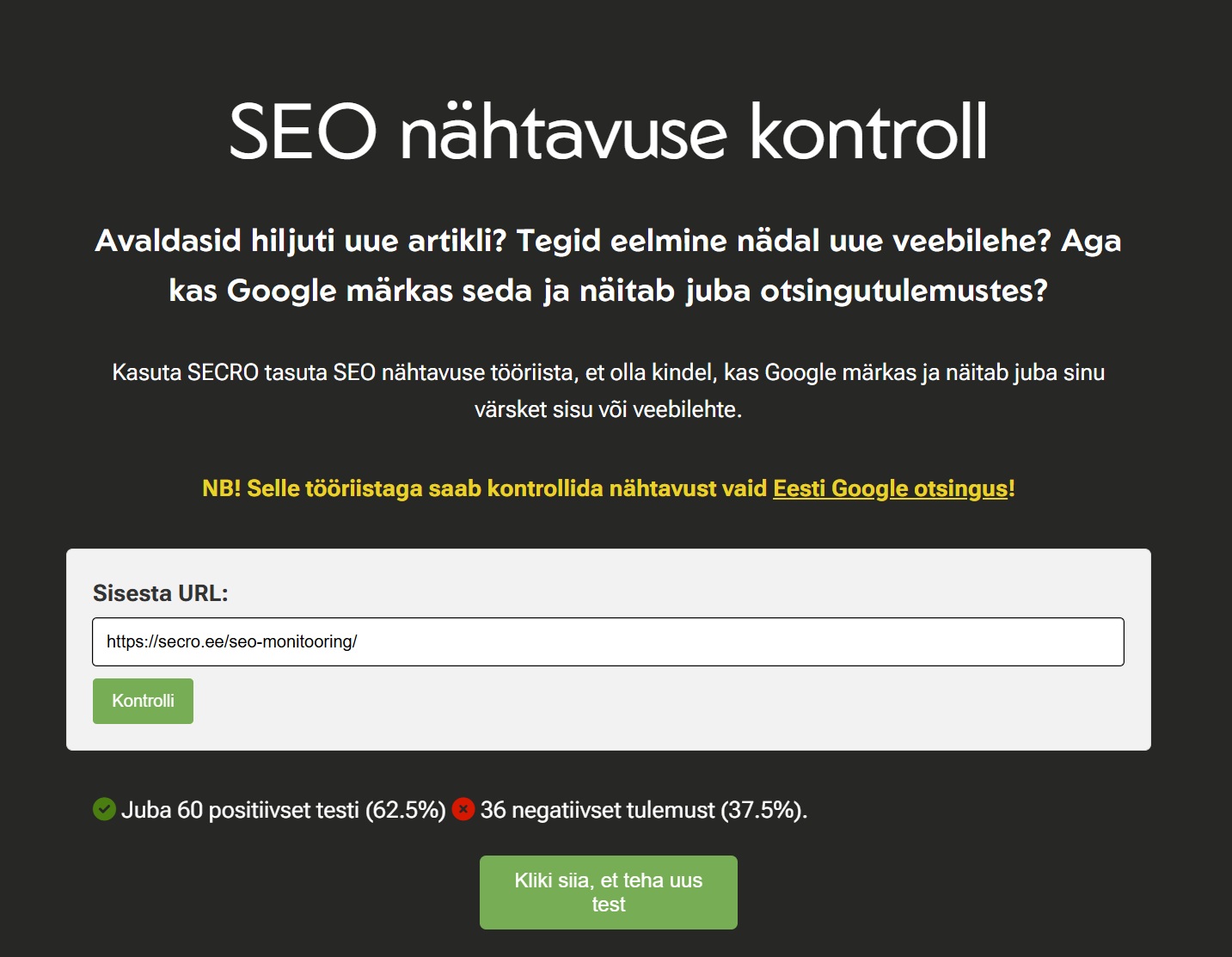
1. Use Secro’s website indexability test
Start by checking your website’s indexability using Secro’s free tool: Indexability test. This tool gives you a quick overview of whether Google is showing your website in search results.
2. Register your website in Google Search Console
Google Search Console is a free tool that helps you monitor and manage your website’s visibility in Google’s search results.
Watch this YouTube video to learn how to register your website in Google Search Console:
Start setting up your Google Search Console here: https://search.google.com/search-console/about
3. Submit your website to Google for indexing
Once you’ve registered your website in Google Search Console, you can submit a request for Google to index your site.
Watch this YouTube video to learn how to submit your website to Google for indexing:
4. SEO optimization tips
- Make sure your website contains high‑quality, unique content.
- Use relevant keywords to help Google understand the topic of your site.
- Optimize your website’s speed and mobile‑friendliness.
- Build high‑quality inbound links from other websites.
5. Contact SEO experts
If you’re still experiencing indexing issues, contact the SECRO SEO experts. They can help you identify and resolve any problems related to indexing.
Summary
Indexing your website is an essential step in improving its visibility. Use these tips to make your site visible to Google and attract more visitors.